


A one-minute guide
The Athletic app
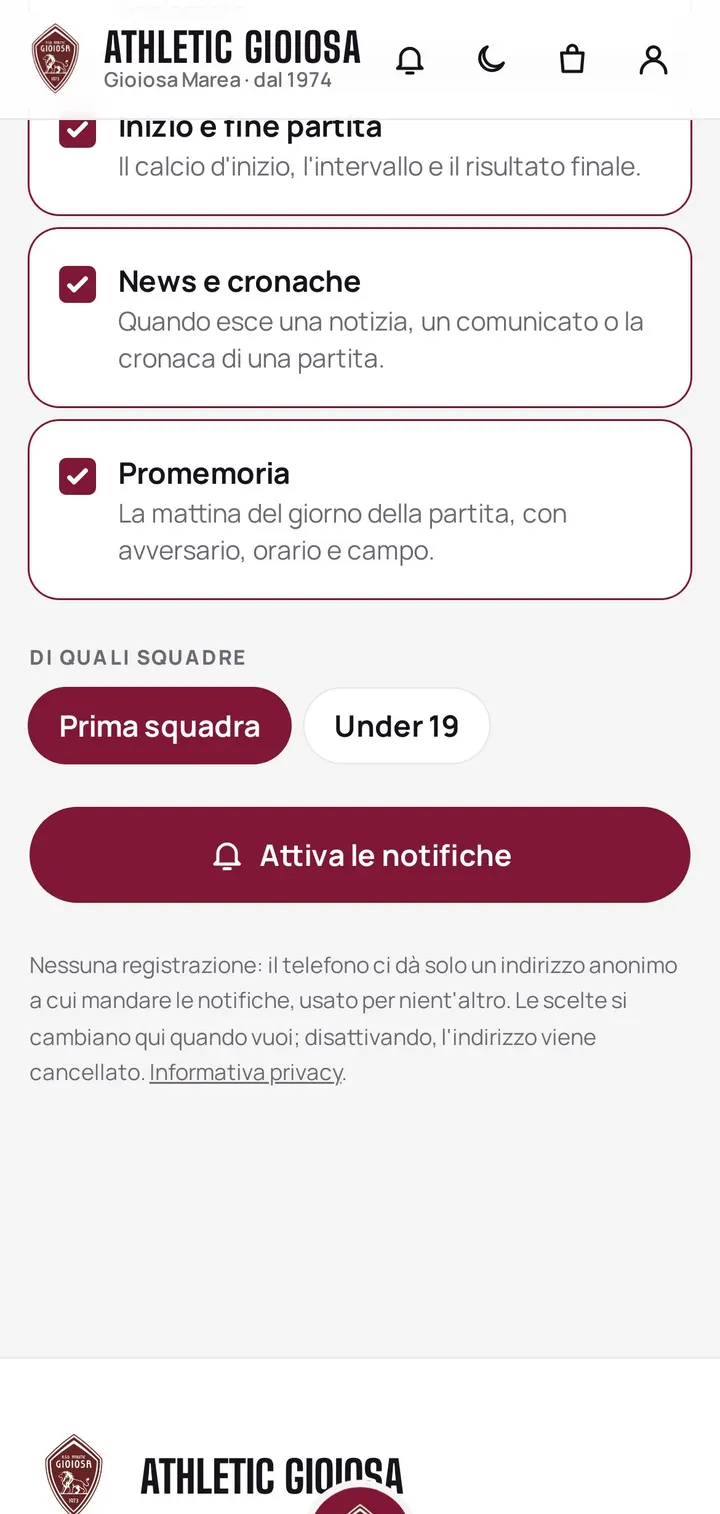
Goals, results and news on your phone as they happen. Free, no sign-up and no app store.
It's not in the app stores: you add it from the website, in a minute. It takes up almost no space, updates itself and asks for no personal data.
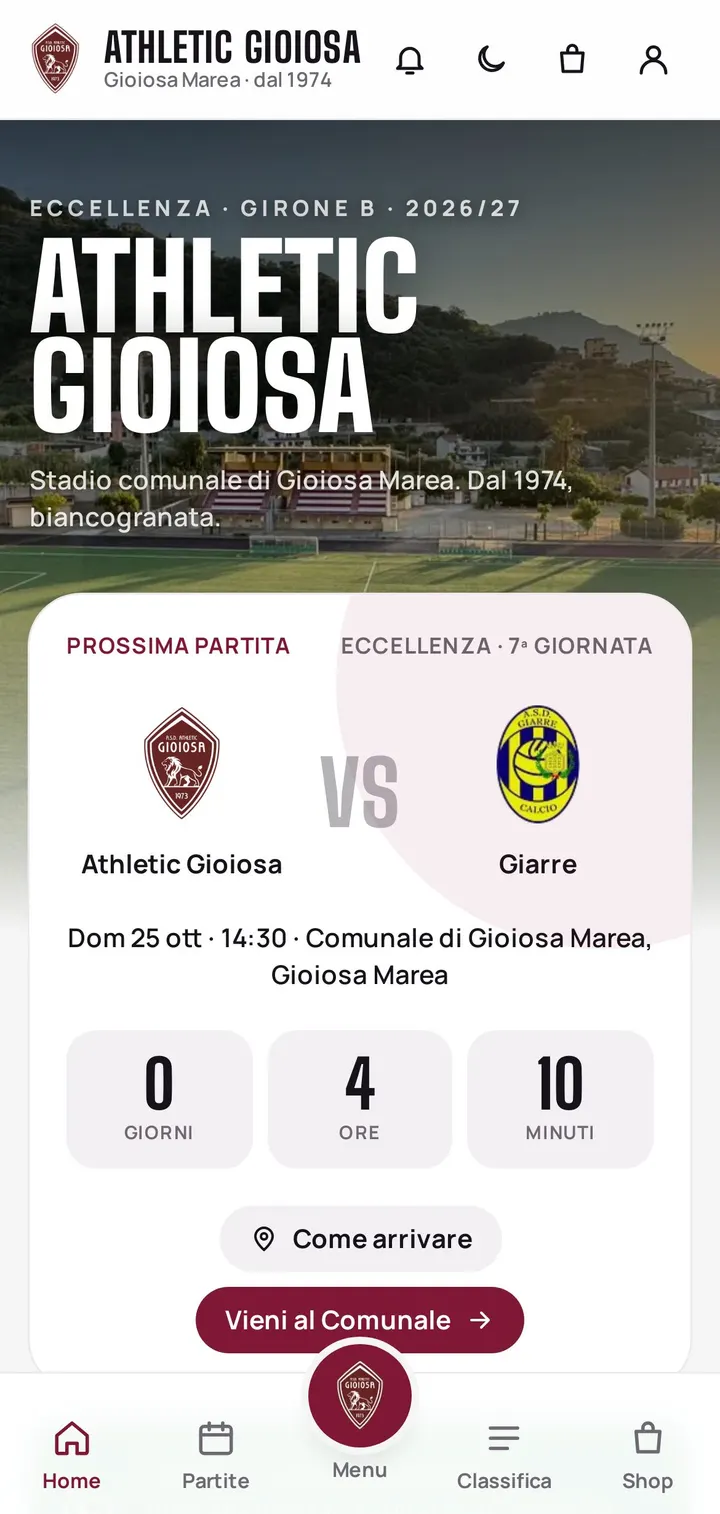

How to
On Android it also works without installing the app, but the app is handier.
Questions
Why can't I find it on the App Store or Google Play?
Because you install it from the website: it's the Athletic website itself, with its icon on the Home Screen, full screen and with notifications. So there's no need to look for it in the stores.
Does it take up space or use data?
Hardly any, like a web page. It updates itself, with nothing to download.
Do I need to sign up?
No: no account and no personal data. For the notifications just tap «Allow», and you choose what you get.
How do I remove it?
Press and hold the icon and choose «Remove App» (iPhone) or «Uninstall» (Android). The notifications can also be turned off on the Notifications page.